Products & Solutions
One platform for every part of your restaurant.
Eattec brings the counter, the floor, the kitchen and head office onto one connected system: cloud, desktop and mobile, sharing one menu and one source of truth.
Apps
Cloud dashboard
Menus, prices, staff, tables and settings are managed centrally in the cloud and pushed to every device. Owners and managers see the business as it happens, wherever they are.
- Central menu and price management
- Staff roles and permissions
- Live view of sales across outlets
Apps
Point of Sales
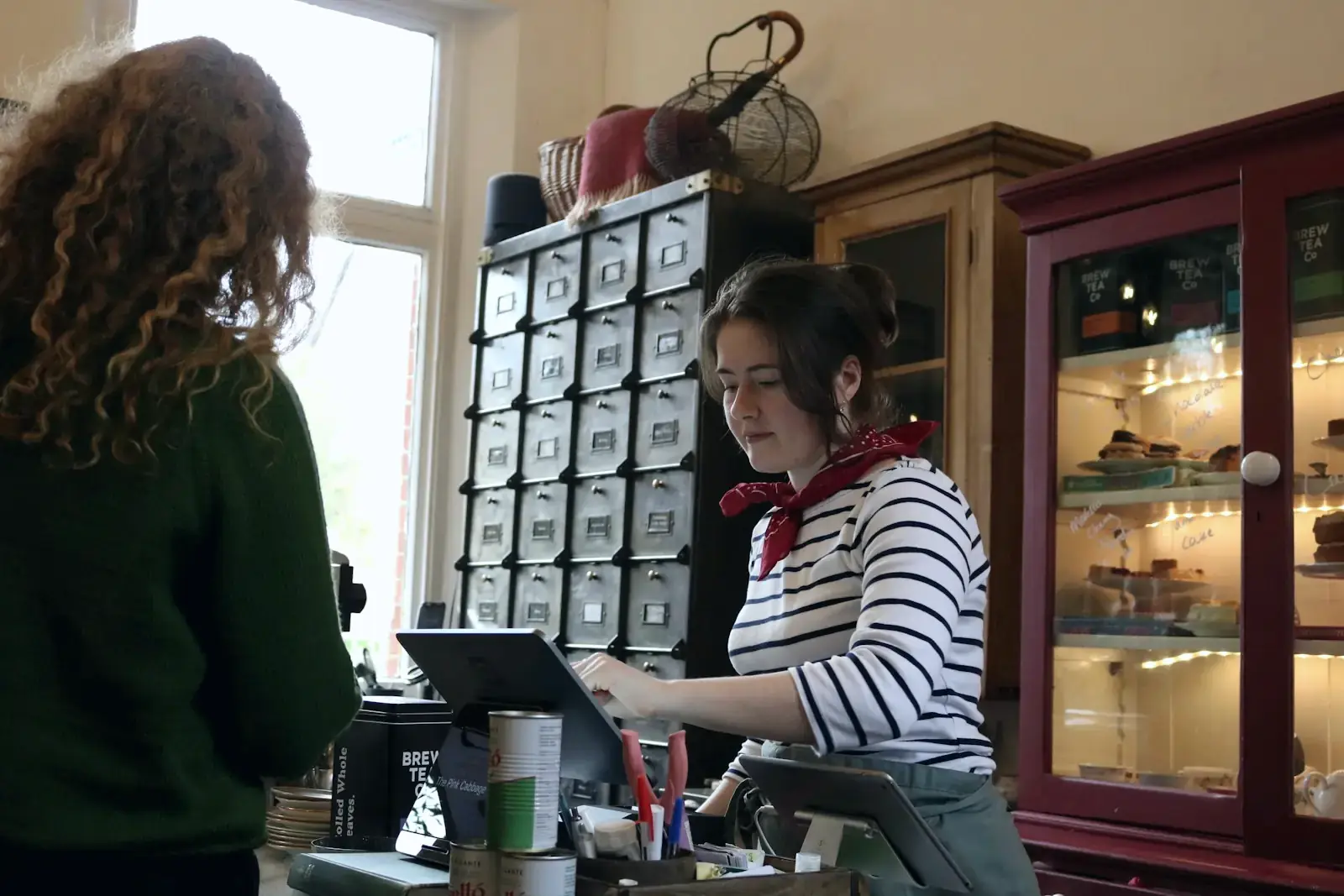
Designed for busy counters: large touch targets, quick order entry, table service, takeaway and delivery orders, all in a layout cashiers learn in minutes.
- Dine-in, takeaway, delivery and drive-thru orders
- Table plan with merge and transfer
- Staff sign-in with PIN and shift control
Apps
Waiter App
Waiters carry the menu in their pocket. Orders go to the kitchen the moment they are taken, so tables are served sooner and nothing is lost between the table and the pass.
- Full menu with modifiers and notes
- Orders sent to the kitchen instantly
- Table status in real time
Apps
Kitchen Display
Orders appear on the kitchen display the moment they are placed, with every modifier and note. Timers show how long each ticket has waited, so the team can keep service on pace. Ticket printing is there too, wherever a printer suits the station better.
- Live tickets on kitchen screens
- Order timers and status
- Notes and modifiers on every ticket
- Ticket printing where you need it
Operations
Inventory
Track ingredients and stock across locations. Sales draw down stock automatically, so you can see usage, spot waste and reorder before you run out.
- Stock levels by location
- Usage linked to sales
- Low-stock visibility
Operations
Sales, billing and payments
Split bills by item or evenly, take several payment methods on one bill, apply approved discounts and print clean receipts, with every transaction recorded for reporting.
- Split bills and split payments
- Discounts with required reasons
- Receipts, reprints and cancellations with audit trail
Operations
Customers and loyalty
Build customer profiles as you serve, see order history and reward repeat visits with a loyalty programme that runs inside the POS.
- Customer profiles and history
- Points earned and redeemed at the counter
- Shown on the customer display
Scale & insight
Multi-branch and multi-brand
Run several branches, or several brands, from a single account. Share what should be shared, keep separate what should be separate, and compare performance side by side.
- Brand and branch structure
- Shared or local menus and prices
- Side-by-side performance
Scale & insight
Reporting and analytics
Sales, items, payment types, discounts and staff performance, from a single shift to the whole group, so decisions are based on what actually happened.
- Sales, product and payment reports
- Filter by shift, staff, branch or brand
- Centralised across the group
Scale & insight
Offline-first with cloud sync
The POS keeps taking orders and payments without a connection. When the connection returns, everything synchronises with the cloud automatically.
- Orders and payments continue offline
- Automatic sync when back online
- Service is never held hostage by the network
How it connects
Cloud at the centre. Every device in step.
Each part of the platform reads from and writes to the same cloud account. The POS also keeps a full local copy, so the counter carries on when the internet does not.
Offline-first: when the connection drops, the POS saves every order and payment locally. When it returns, everything synchronises with the cloud automatically.
See the whole platform working together.
Book a personal demo. We will walk you through the platform using a setup that looks like your own restaurant.